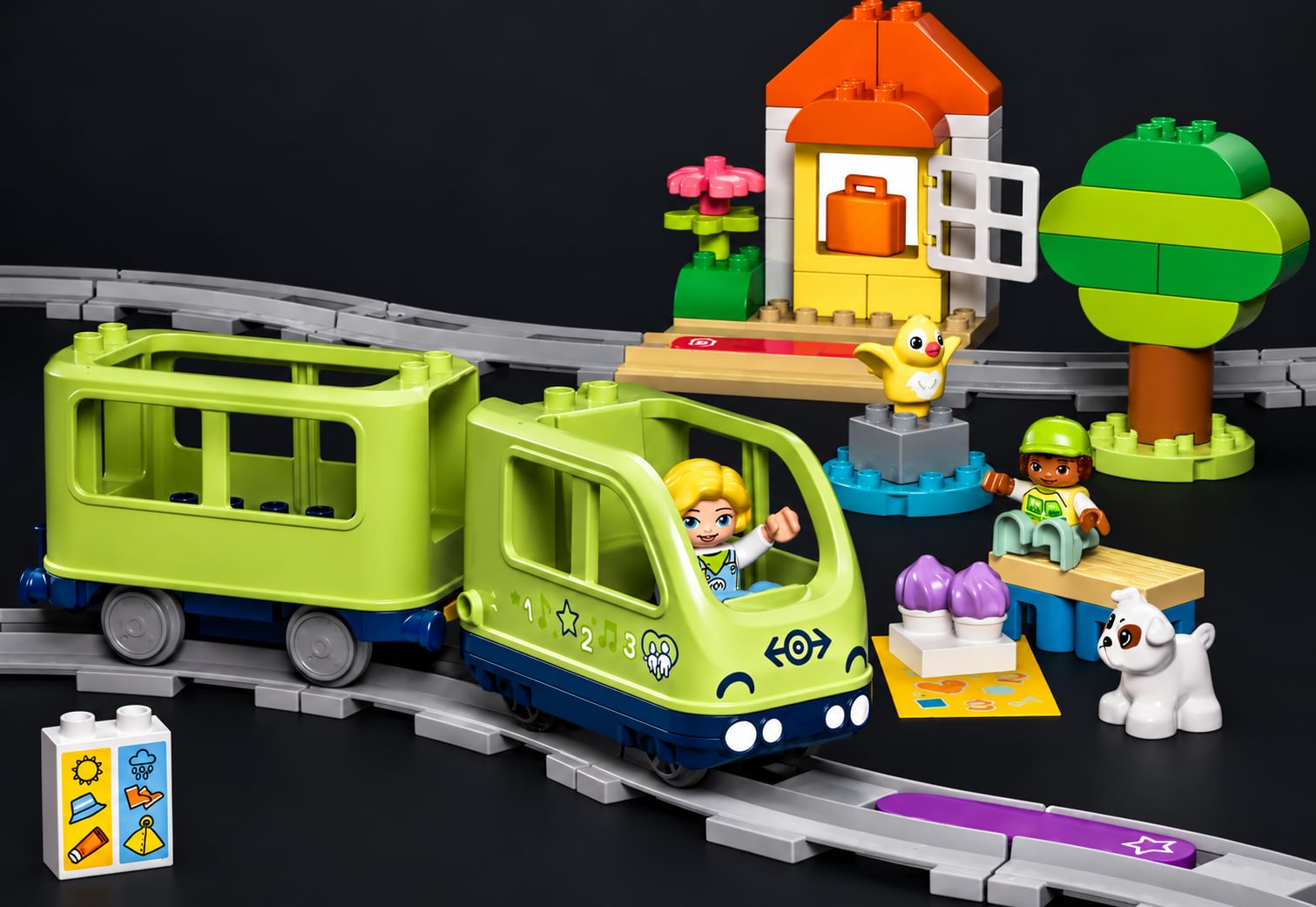
The 2025 DUPLO train (set 10427) is a toddler's toy with a Bluetooth chip inside. It drives, plays sounds and reacts to coloured tiles laid on the track. LEGO's app can control it. I wanted to control it from a Linux laptop instead.
The good news: it speaks the LEGO Wireless Protocol 3.0 (LWP3), the same protocol as LEGO's other Powered Up hubs, and LEGO publishes the spec. The bad news: nothing published describes this hub. It's a redesign, not the old train with new numbers, so most of what follows comes from measuring one train.
The protocol was the easy part
The train uses Bluetooth Low Energy (BLE). All messages go through one GATT characteristic (a single named data slot on the device that you can read, write and subscribe to). Every message, in both directions, has the same shape:
[length, hub_id (0x00), message_type, ...payload]
The nice part of LWP3 is that the hub describes itself. Subscribe to its notifications (updates it pushes to you) and it lists its ports. Ask about a port and it tells you each mode's name, unit, range and value format. So a client doesn't need a built-in list of devices: it can ask, and decode whatever comes back. The full message reference is on the Protocol page.
Driving the motor takes one 8-byte write:
08 00 81 <port> 11 51 <mode> <power> # power: signed byte, -100..100
The 2025 hub is a new design
The older trains (2018 to 2024) had the motor on port 0, plus a speaker and an RGB light. The 10427 has none of that. It also offers Texas Instruments' over-the-air firmware update service next to the LEGO one, which tells you it's built on a TI CC26xx chip, not the old hub's part. Here's what it reports about itself:
| Port | Device | Modes |
|---|---|---|
| 50 | motor | POWER, SPEED (−100..100 %) |
| 51 | unknown type 0x5b |
TAG, a 16-bit code |
| 52 | unknown type 0x5a |
VERS, EVENTS, DEBUG |
| 53 | battery voltage | VLT L, VLT S (mV) |
| 54 | speedometer | SPEED (signed %), COUNT, VELO (RPM) |
That's two device types that appear in no published table, and no speaker or light port.
Don't trust the port descriptions. Each port says whether it's an input or an output. The motor claims to be neither, yet it drives the wheels and reports values back. Port 51 claims to be output-only, rejects every write, and streams values when you subscribe. So my client ignores those flags and simply tries each port. The measured details for every port are on The 2025 hub page.
The tile sensor
Port 51 is the sensor under the train that sees the coloured action tiles. It reports a 16-bit code for each tile and keeps that code until it reads the next one. It only reads while the train is moving. Tiles of the same colour give the same code. It reads them optically (people make working tiles from coloured paper), but the codes are not LWP3's standard colour numbers.
On a six-colour loop it reported 1, 21, 37, 119, 191, 402. Yellow is 1, white is
probably 37, and the other four are still unknown. I did have a mapping for them, based on
the order the codes came round the loop, but it was wrong. Two tiles had been swapped partway
through my testing, so the sequence I recorded and the colour order I matched it against
described two different tracks.
Timing gave it away. The tiles were one track piece apart, about 2.2 s at 20 % speed, and a
missed tile shows up as a gap twice as long. Running in reverse, the long gap fell between
two tiles that were supposedly next to each other, which can't happen on a fixed layout. To
fix this properly I added a next command: it creeps forward until exactly one new tile is
read and prints its code, so you can match each code to the tile you're looking at.
The train fights back
Tiles take over the motor. When the train crosses a tile, the hub runs its own short routine and writes to the motor itself, overriding your command. That's why it sometimes seems to ignore you. I found no way to turn this off, but sending your speed again often enough wins:
| Re-send rate | Result |
|---|---|
| ~7 Hz | brief reversals still get through |
| 20 Hz | tile actions fully suppressed, across 20 s and six tiles |
It falls asleep. The train switches off after about 30 s without moving, and writing to it doesn't count as activity. Once woken, it stays up for about a minute, and waking it needs a press of the button on the train. So I plan every experiment around that short window: start the command first, let it wait, then press the button. The port descriptions never change, so the tool saves them to a cache file. Later runs start listening right away instead of spending the window on about 160 requests. What worked, and the mistakes that cost the most button presses, are on the Experimenting page.
Bonding was the hard part
A bond is the saved pairing between two Bluetooth devices. The 10427 ignores every command until the link is bonded. That much was already known. What took me most of the time is that BlueZ (the Linux Bluetooth stack) won't finish a bond unless some program has registered a pairing agent (a helper that answers pairing requests), and bleak, the Python Bluetooth library I use, doesn't register one. Without it you get a connection that looks healthy and a train that does nothing. My client now registers a "no input, no output" agent over D-Bus (Linux's system message bus) that accepts the pairing, and removes it on exit.
Then the bond goes stale. The train forgets it every time it sleeps, but BlueZ doesn't, and the next connection attempt just hangs until it times out, with no error. The clue is that the connection times out while the train is advertising normally (broadcasting that it's available). The client spots this, deletes the old bond and pairs again.
A few more traps:
- The address changes every minute or two. The train uses a rotating private address, so an address from a scan is soon useless. Once bonded, BlueZ translates it to a stable one.
- A switched-off train can still show up as "found". When a scan starts, BlueZ first reports devices from its cache. The client ignores anything seen in the first ~1.2 s, so only a live signal counts.
- Delete an old bond before scanning, never after. Deleting it removes BlueZ's record of the device, including the one you were about to connect to.
- Some errors have empty messages, so print the exception type too.
All of this, with the checks that tell these cases apart, is on the Connecting page.
The tool
duplo.py is a single Python file. A small wrapper script sets up its own virtualenv (a
private set of Python packages) the first time you run it.
./duplo scan                 # nearby trains, and which generation
./duplo watch --timeout 0    # wait for the train, then stream every sensor
./duplo lap                  # drive one lap holding the speed, log the tiles
./duplo next                 # creep to the next tile and print its code
Every command and option is on The tool page.
Still open
- Four of the six tile colour codes.
- Tiles are sometimes missed. Speed, direction and the hub's own tile routine are ruled out as causes.
- I haven't played a sound on purpose yet. There's no speaker port, and the tile port refuses writes.
- Several modes were never read, including
COUNT. It might be an odometer, which would let the train know where it is on the loop. - A way to keep the hub awake without moving it.
What I've ruled out and what to try next for each one is on the Open questions page.
All of this was measured on one 10427 train (firmware 1.4.16) with Arch Linux, BlueZ 5.87 and bleak 3.0. The protocol notes apply on any system; the BlueZ notes are Linux-only.
Related projects
None of these cover the 2025 hub, but they cover everything around it:
- LEGO Wireless Protocol 3.0, the official spec
- pybricks/technical-info, the hub and device type numbers that LEGO's spec leaves out
- node-poweredup, JavaScript; its
DuploTrainBaseis the clearest reference implementation - legoino (Arduino/ESP32) and sharpbrick/powered-up (.NET)
- duplo-train-10427-ble2mqtt, Rust; documents that the 2025 train needs a bond
- Pybricks: control the DUPLO train, driving it from another LEGO hub