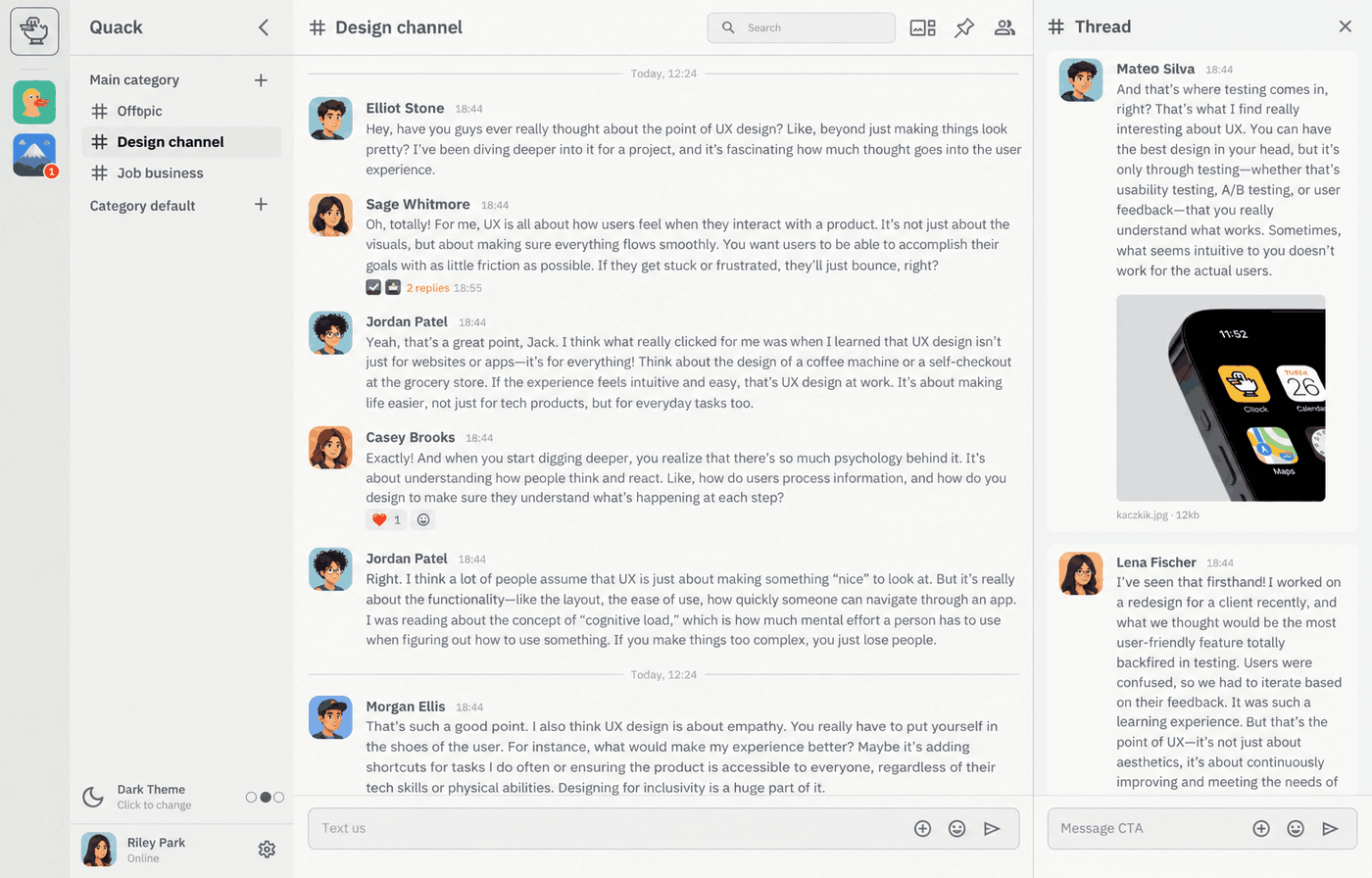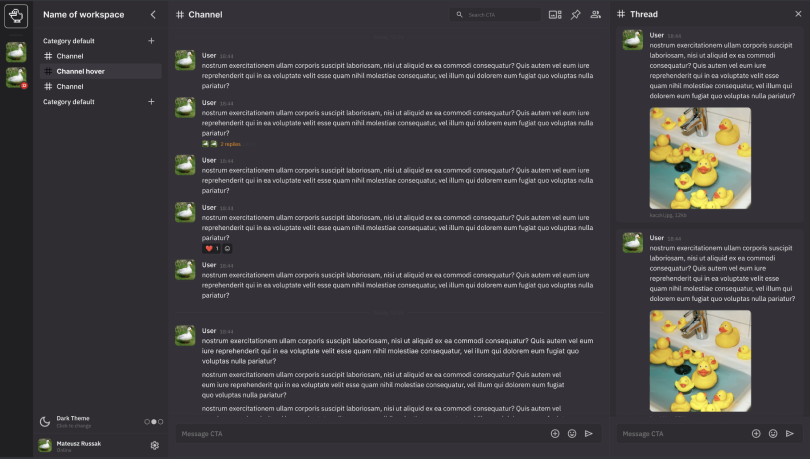
Quack is a free, open-source chat app that you host yourself. It works like Slack, with channels, direct messages and threads, but it runs on your own server, so your messages and files stay under your control.
I built it for private use: a chat for friends, family or a small team that doesn't depend on a paid service.
What it's like to use
Quack is a Progressive Web App (PWA): a website that you can also install like an app. It works in any modern browser on desktop or phone, and you can read cached messages while offline. There's also a native Android app, which adds notifications that arrive even when the app is closed.
Quack supports end-to-end encryption: messages are encrypted on your device before they are sent, so the server never sees what they say.
Features
- channels, direct messages and threads
- mentions, emoji reactions and custom emojis
- pinned messages and message search
- file sharing and link previews
- invite links: the
/invitecommand creates a one-time sign-up link - a plugin system
Run your own
docker compose up -d # from a checkout of the repo
This starts Quack together with its MongoDB database. Open http://localhost:8080 and log
in with the default account from the README, then change its password. There's also a ready image,
codecat/quack, on Docker Hub. The README in the
repo explains the settings, such as where uploaded files are stored.