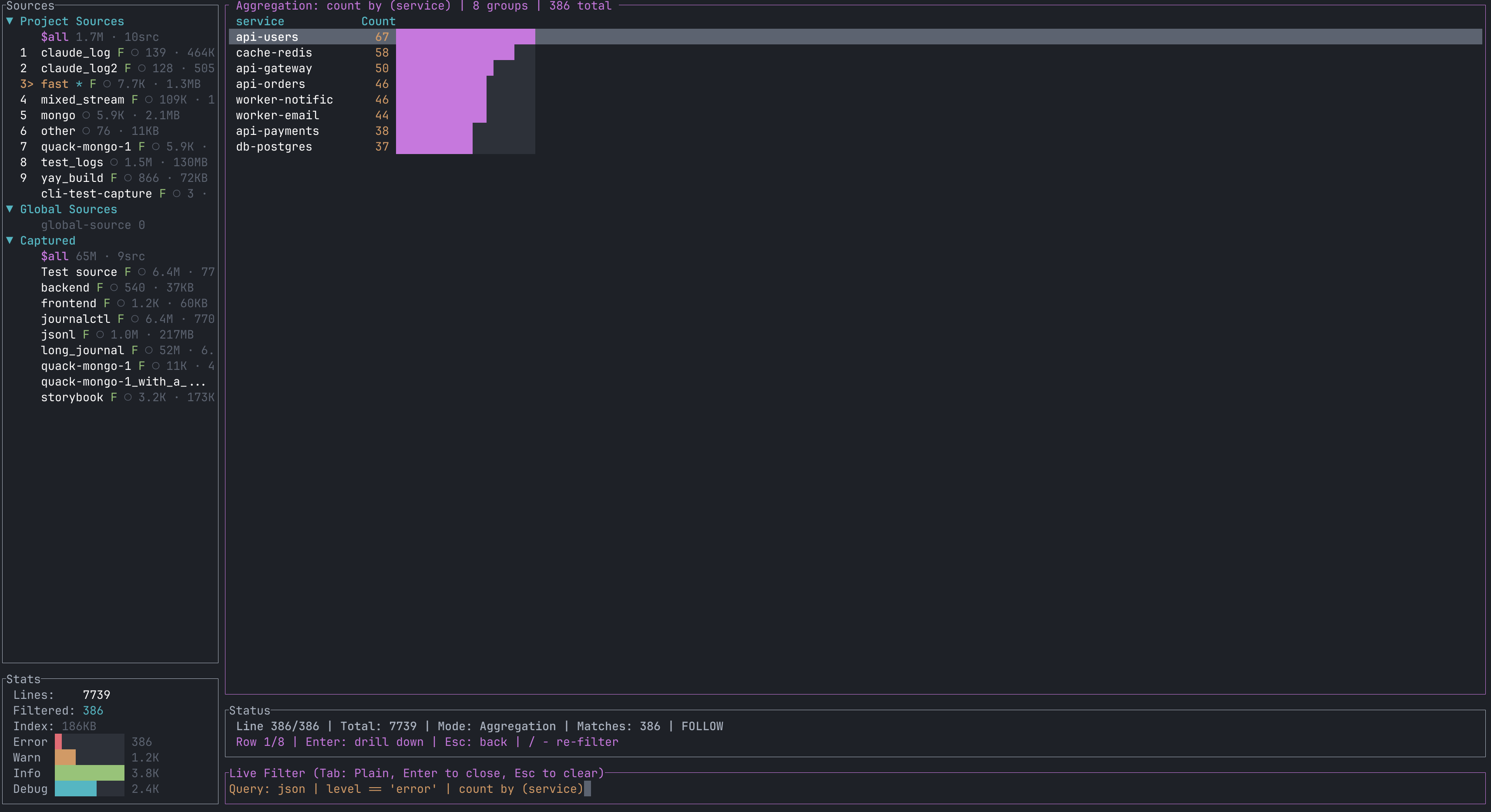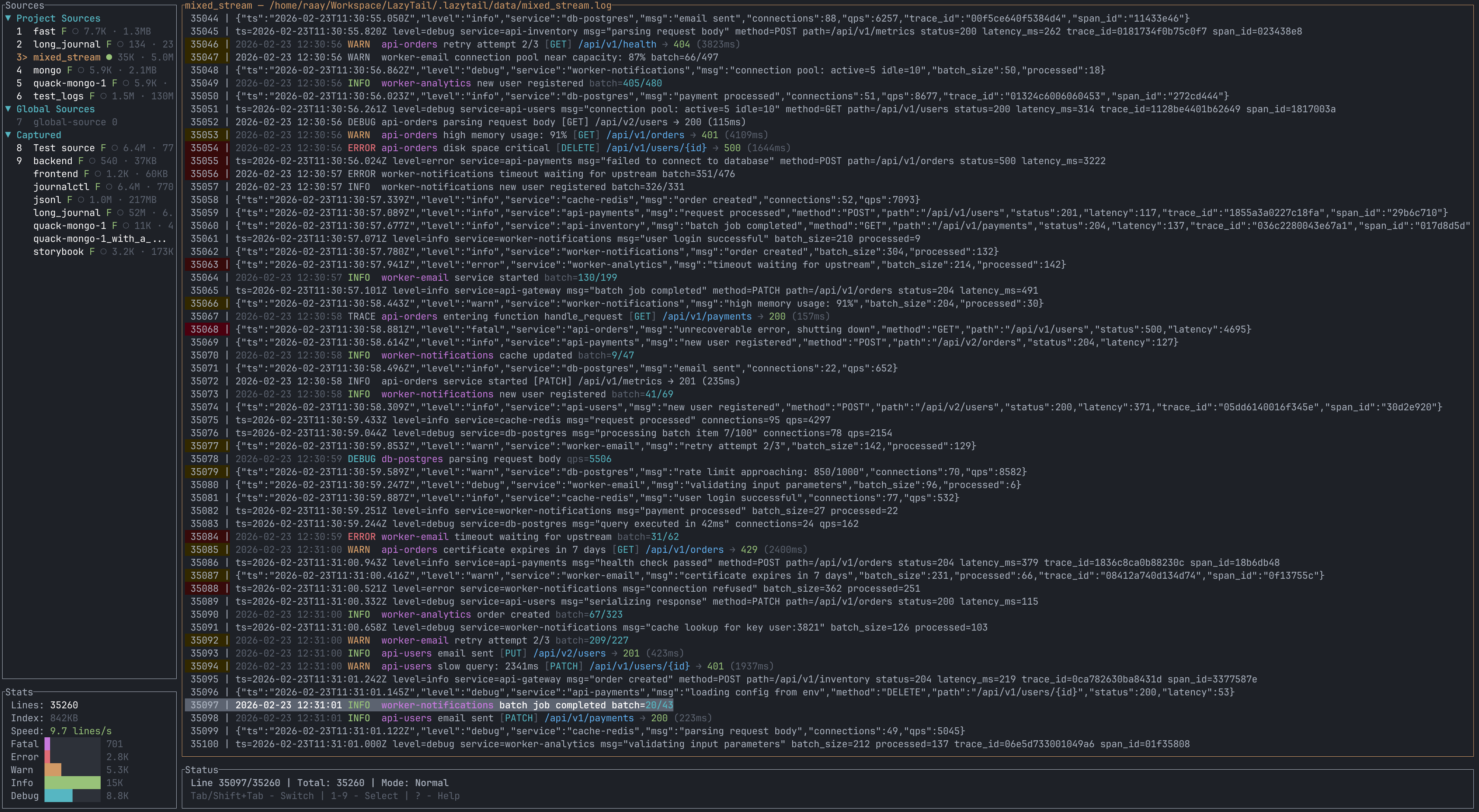
LazyTail is a log viewer for the terminal, like tail -f with more tools. Open one or more
log files (or pipe logs into it) and filter them as you type. It stays fast on very large
files because it builds an index and only reads the lines it needs to show.
curl -fsSL https://raw.githubusercontent.com/raaymax/lazytail/master/install.sh | bash
lazytail /var/log/app.log
kubectl logs -f my-pod | lazytail -n "MyApp"
Features
- Live filtering with plain text or regex, run in the background so the screen never freezes.
- A query language for structured logs (JSON and logfmt):
json | level == "error", counts likecount by (field), and time filters such as@ts >= "now-5m". - Follow mode, a tab per file, and a combined view that merges files in time order.
- Log levels colored automatically, with a histogram. ANSI colors and line wrap too.
- Vim-style keys, mouse support, and themes imported from Alacritty, Ghostty, iTerm2 or Windows Terminal.
- A web UI (
lazytail web) and built-in updates (lazytail update).
Logs for your AI assistant
LazyTail is also an MCP server. MCP is a standard way to give AI assistants tools. Add LazyTail to Claude Code, Codex or Gemini CLI, and the assistant can list your log sources, search them, read the latest lines and get stats:
claude mcp add lazytail -- lazytail --mcp
Then ask things like "Find all requests with status >= 500" or "What happened around line 1234?".