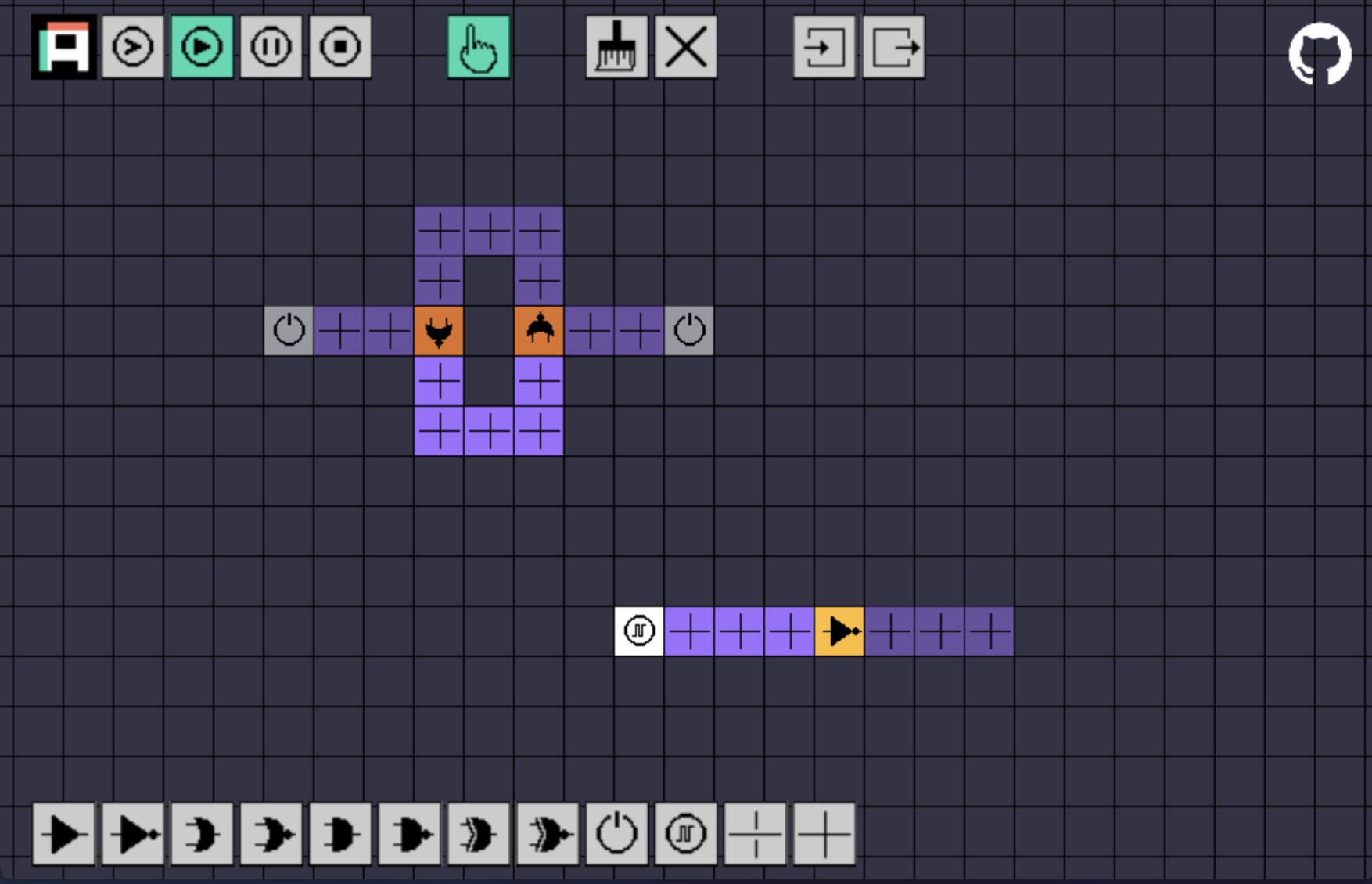
AmPix is a logic circuit simulator that runs in your browser. You draw a circuit on a pixel grid, one square at a time, then run the simulation and watch the signals move through it. There's nothing to install: open the page and start drawing.
I made it as a simple, visual way to play with digital logic. It suits students, teachers and anyone curious about how gates combine into bigger circuits.
What you can place
- Gates: buffer, NOT, AND, NAND, OR, NOR, XOR and XNOR.
- Links, the wires that carry a signal from an output to an input.
- Tunnels, which let two wires cross without connecting.
- Switches that you click to turn on and off.
- Clocks that toggle on and off every second.
How it works
Pick a part from the toolbar at the bottom and click or drag on the grid to place it. Press R to rotate a part before you place it. Hover over a button to see what it does.
The toolbar at the top runs the simulation: play, pause, stop, or advance it one step at a time. Use the mouse wheel to move around the grid, and hold Shift while scrolling to zoom.
You can export a circuit as a JSON file and import it later, so you can keep your work or share it.
Try it
AmPix runs at ampix.codecat.io. It's open source under the MIT license and written in TypeScript with PixiJS.